
XTruLink Access Control, or XTAC for short, is the XTruLink application for Access Control management. This app is available in the iTunes App Store. The app will be downloaded by default on any Access Control scanners shipped by SwipeTrack.
On most XTruLink managed devices, the app will appear on the center of the dock on the bottom, labeled "XTAC." When you launch the application you will be presented with the login screen:
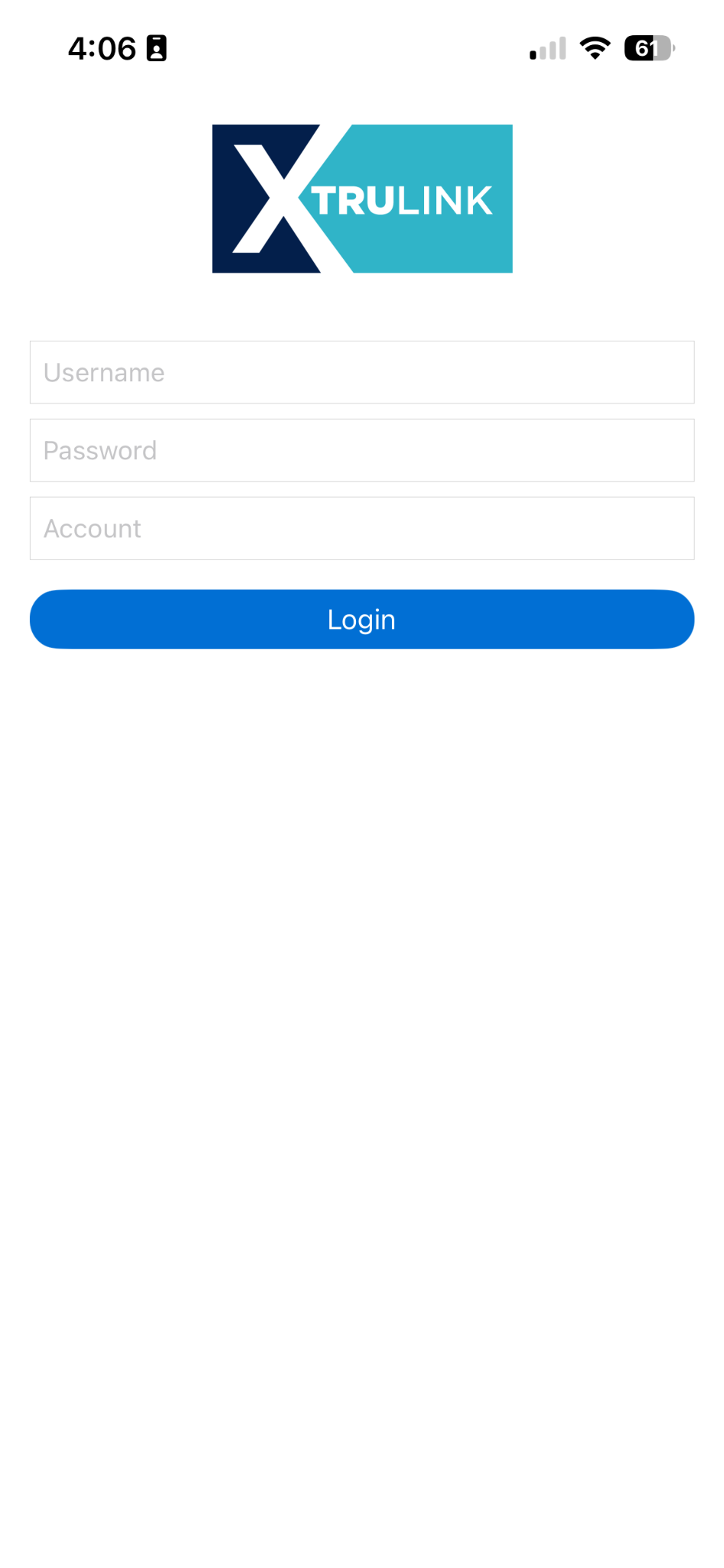
To log into the XTAC app, you will need a valid XTruLink Back Office user. These are the same credentials you use to log into your ticketapp.org subdomain (your email and password).
Logging In
- Enter your XTruLink credentials for Username and Password.
- Enter your XTruLink account name in the Account field. This is also known as your Organization Short Code and is the same as your subdomain to access the back office online. https://ACCOUNT.ticketapp.org/
Before using your device, you will need to ensure your system is configured as needed.
XTAC Web Application
The XTAC app is also available for use in browser. This may be launched directly via XTruLink back office via the Applications icon in the top right corner of your screen (4 small squares). When using XTAC Web, please note:
- You will need an external scanner setup on your desktop workstation. This must be a 2D barcode scanner. It may be connected via Bluetooth or USB.
- The XTAC Web app will automatically logout after 4 hours of inactivity, and will need to be relaunched for continued use.