Once you have implemented your Digital Passes, the member journey for receiving their new card will be as follows:
- Member joins a membership program. This can occur in either Altru or XTruLink.
- Member receives email to download pass. NOTE: If Pass Automation is enabled, this will be sent automatically within 10 minutes, or (if gift) at the scheduled date. If Pass Automation is not enabled, you must manually send their pass from their membership record.
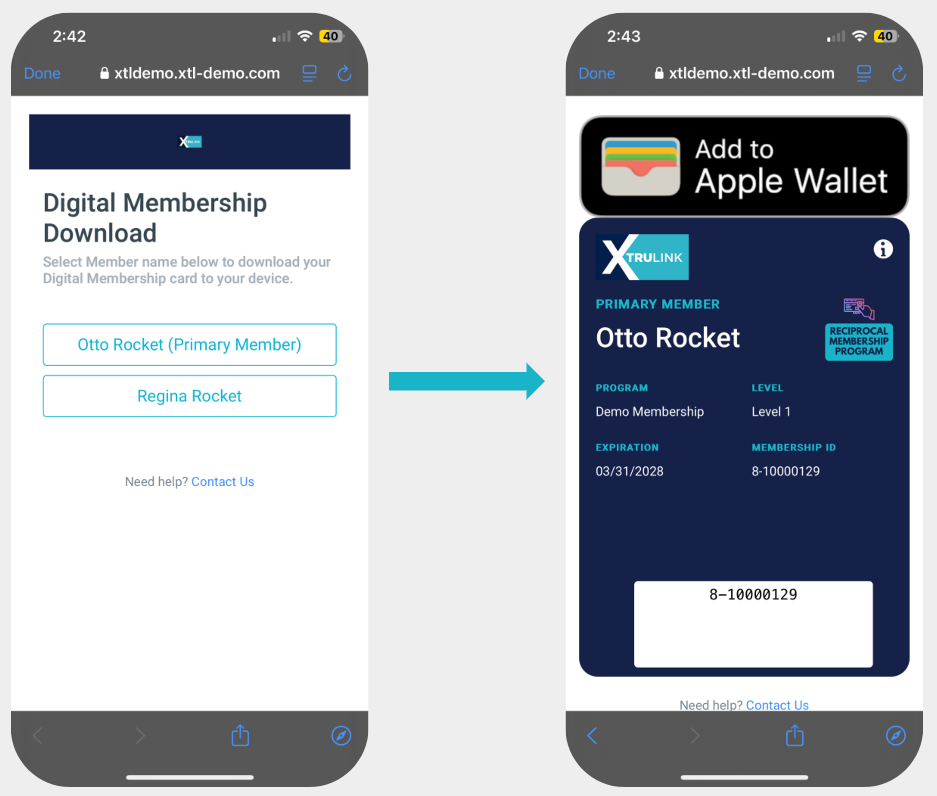
- The install email will include an install link. This link will include passes for all members on the membership that can be downloaded to any smartphone digital wallet.
- Once the pass is downloaded, the member will not need to update the pass upon renewal. The pass will update automatically with the new expiration date as well as any changes you make to the pass template.
Should a member lose their digital card (e.g. they lose their phone, accidentally delete the card, etc), they can re-access the download link in one of the following ways:
- They can login to their portal user account on your XTL Online Portal. The Digital Membership download link may be accessed on their profile page.
- A staff member can resend the link from their membership page in XTruLink.
What about existing members?
You may send digital passes in bulk to existing members if desired via Scheduled Messages.
Sample Download Link Page & Digital Wallet Add Page
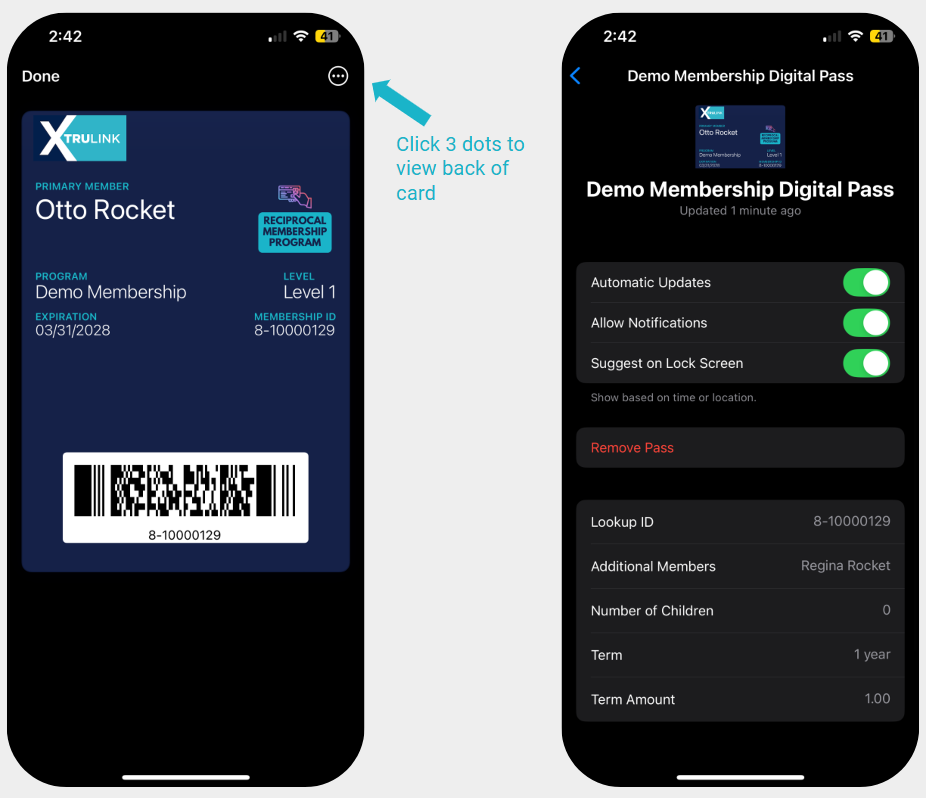
Sample Front & Back of Card - Apple Wallet
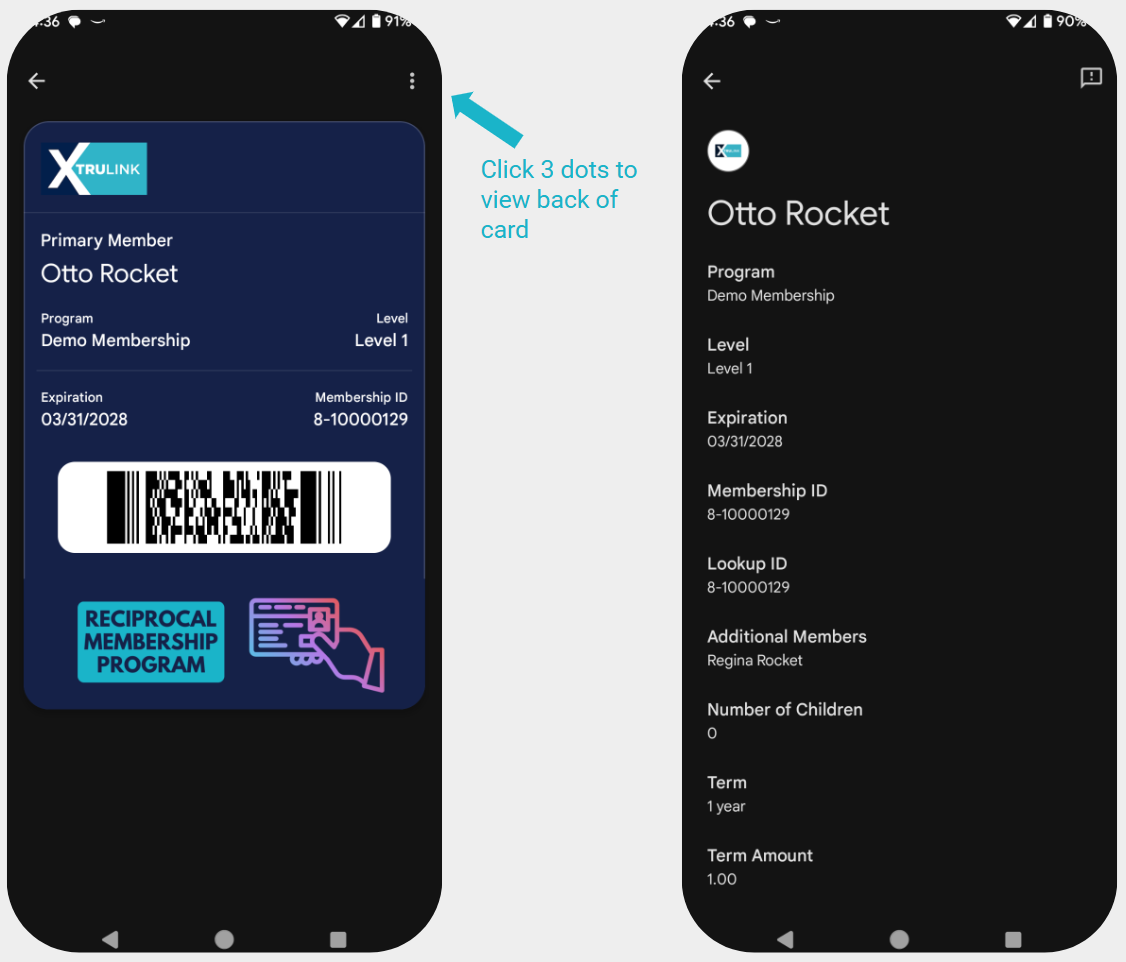
Sample Front & Back of Card - Google Wallet