
Each XTruLink system is housed in it's own cloud ecosystem and can be accessed through a unique URL:
https://**OrganizationShortCode**.ticketapp.org/
You selected your organization short code during the initial onboarding process.
Before signing in, a Back Office Administrator or a user with the User Management permission will need to add you to the system. Learn more about User Management here.
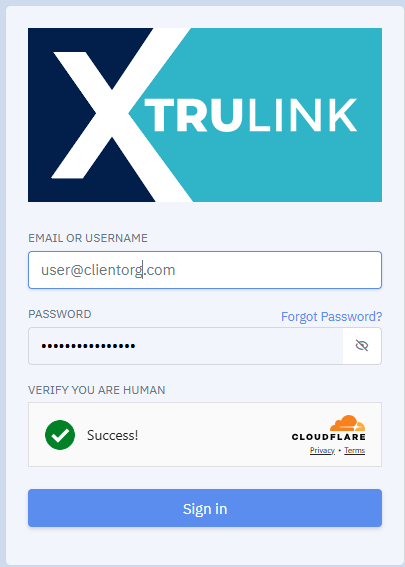
When you click Sign In, you will be redirected to XTruLink's Single Sign-On system.
From here, enter your credentials to sign in. If you have Multi-Factor Authentication enabled (good for you!) follow the prompts to verify your account. We now utilize Cloudflare's Human detector to prevent bots from accessing your portal. You may be randomly presented with a checkbox to verify you are a human, You will not be able to press the "Sign In" button until this checkbox is checked or the human detector is satisfied, this usually takes just a second or two.
For security purposes, we will automatically log you out of the XTruLink system after 20 minutes of inactivity. If you lose your internet connection or join a new network and the Cloudflare human detector does not respond, simply refresh your browser to reset it. Customer data security and compliance is a priority for XTruLink. Our system is designed to make protecting your data and business worry-free.